
Mobile app development: Android, iOS, and web apps
Some businesses need more than a website: appointments, bookings, customer accounts, notifications, or an internal tool for the team. Before we build a mobile app, we work out with you whether an app is the right choice or whether a web app, which runs on any phone with nothing to install, solves the same problem more simply.
Request a quote Call us: +40 731 433 433











What you get
Analysis
What the app needs to do, who it’s for, and what data it uses.
Prototype
The main screens, so you can see the flow before development starts.
Interface design
Clear screens, large buttons, and short text, designed for phones.
Development
A progressive web app or an Android and iOS app, depending on your needs.
Publishing
Preparing the app for Google Play and the App Store, when needed.
Maintenance
Updates, fixes, and new features after launch.
Web app and platform projects
Real websites we built, all live today.
-
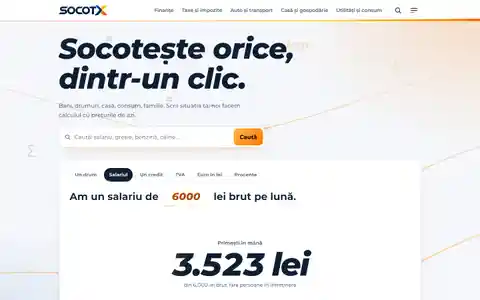
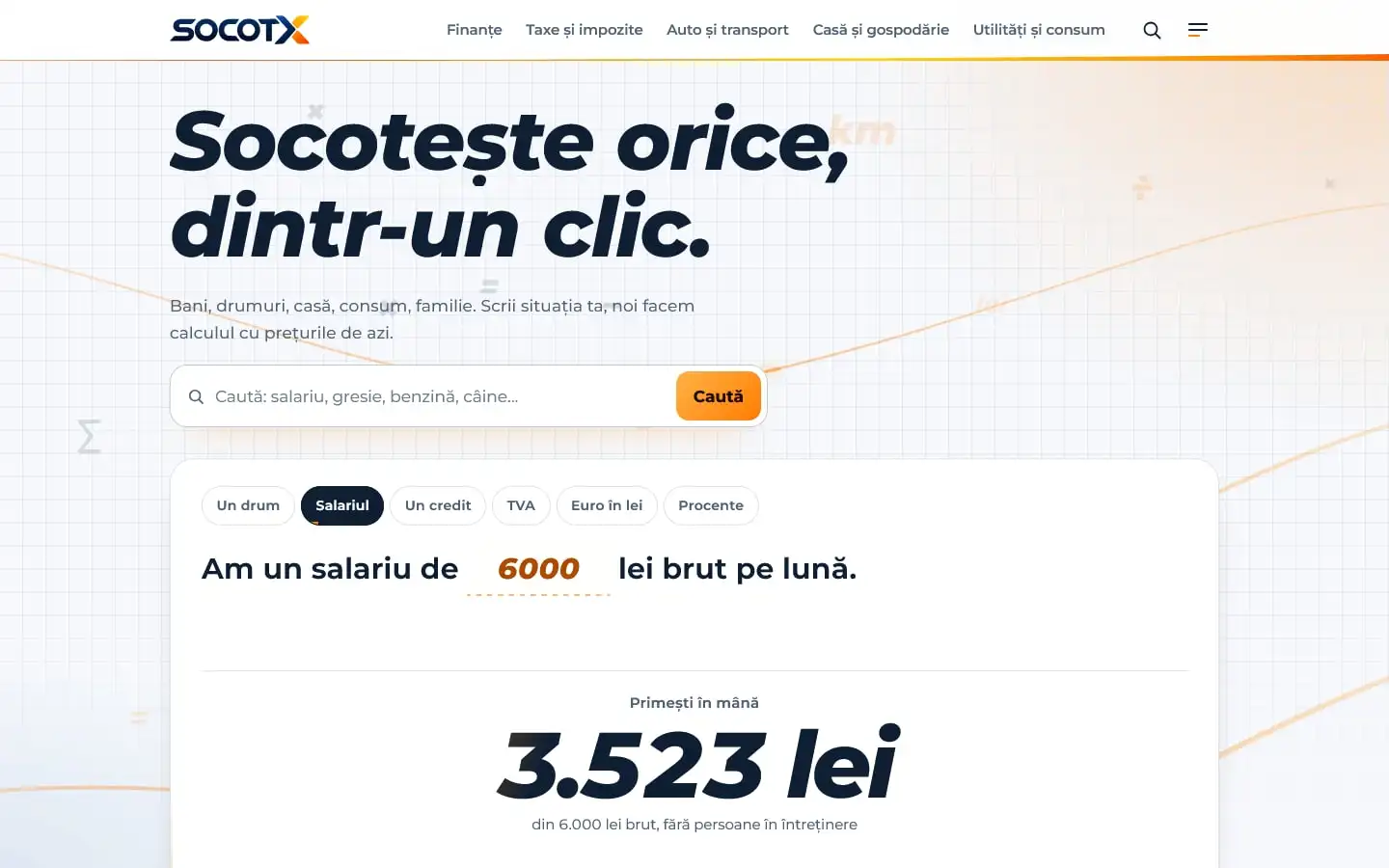
socotx.ro
Platform with more than 140 free calculators for everyday life in Romania: money, taxes, travel, home, and utilities, with a source and date for every figure.
See the project -
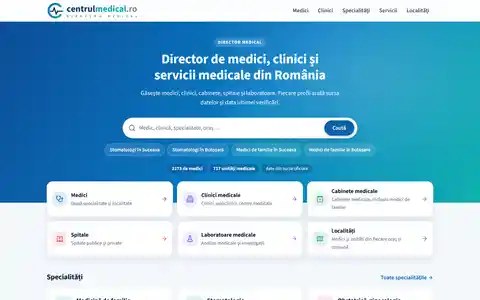
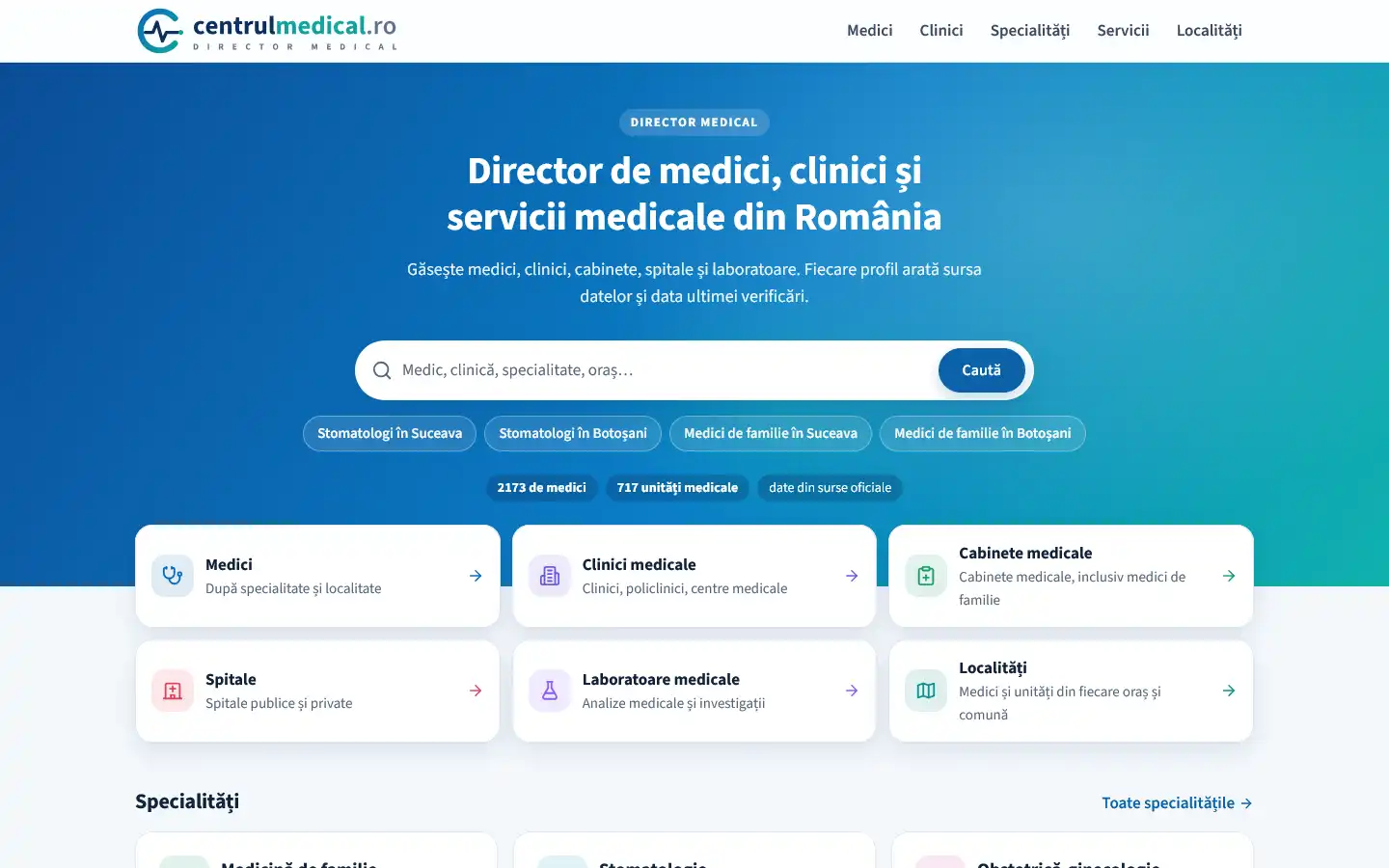
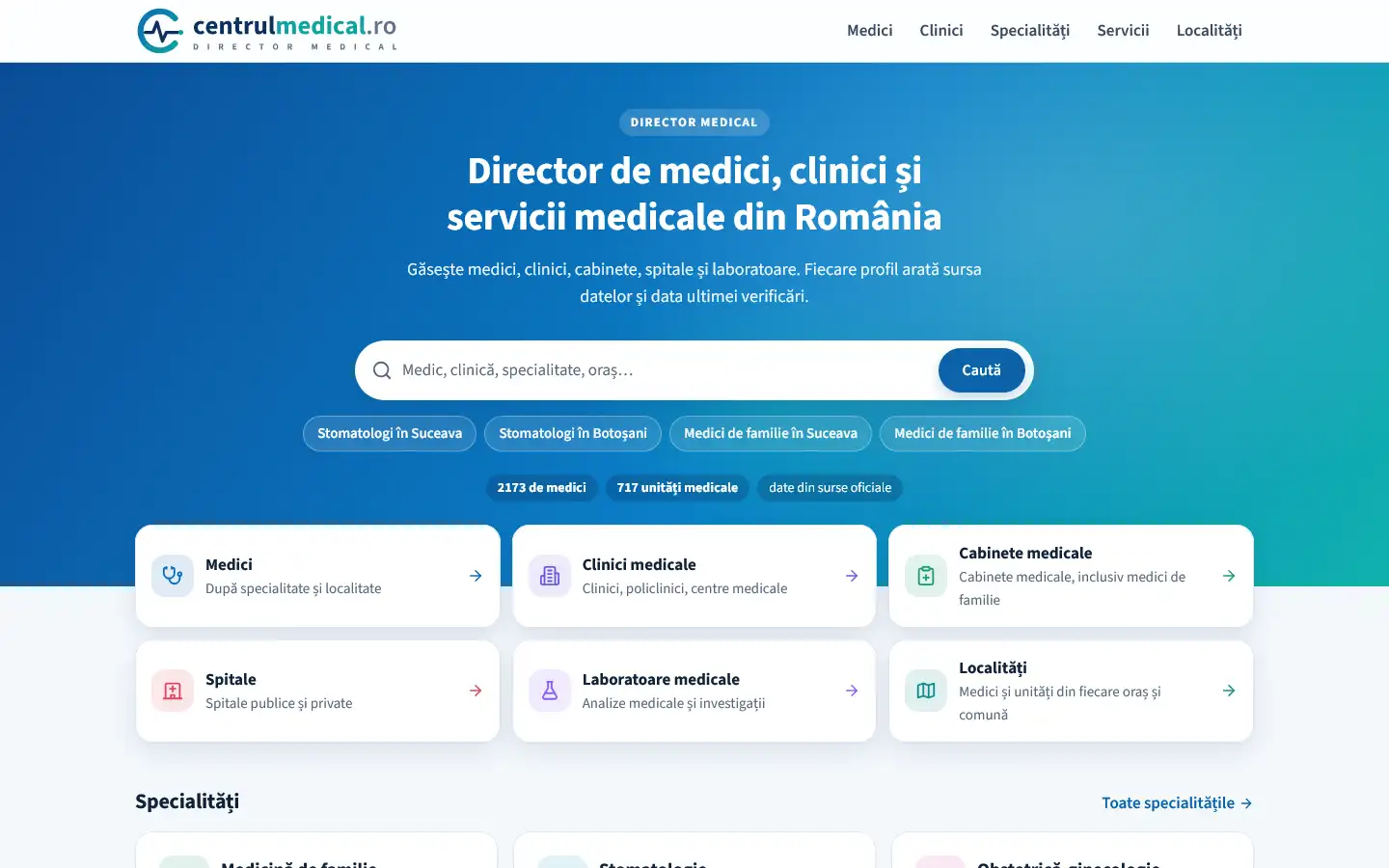
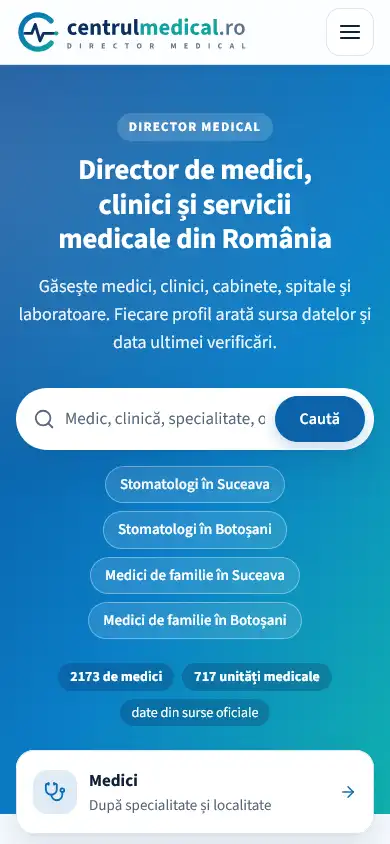
CentrulMedical.ro
National directory of doctors, clinics, medical practices, hospitals, and labs, with the source and verification date on every profile.
See the project
Want a quote for a mobile app?
How we work
The same process for every project, so you always know which stage we’re at.
Step 1 of 5
First conversation
We find out what problem the app needs to solve.
Step 2 of 5
Specification
We write down the features, screens, and data, so we’re all on the same page.
Step 3 of 5
Prototype and design
You see and test the screens before development starts.
Step 4 of 5
Development and testing
We build the app in stages, with test versions for you to try.
Step 5 of 5
Launch
We publish the app and keep an eye on how it’s used in the first few weeks.
Installed app or web app?
An app installed from a store makes sense when customers use it often and need notifications or phone features. For many businesses, a web app, opened in the browser and added to the home screen, does the same job at a lower cost and without app store approval.
We’ll tell you openly which option we recommend and why, before we send you a quote.
When a mobile app is worth it
An app installed from Google Play or the App Store makes sense when at least one of the situations below is true for your customers or your team:
- they use it often, several times a week, not once a year
- they need notifications at the right moment: an appointment confirmed, an order ready, a new message
- the app has to work without an internet connection, for example on a construction site or out in the field
- it relies heavily on phone features: the camera, location, barcode scanning
- there’s a reason to keep it installed: a customer account, loyalty points, order history
Web app development: when it’s the better choice
If people find you through Google and use your service rarely, an app they have to install is an extra step few of them will take. To book an auto repair appointment or request a quote, a fast website with a good form solves the problem with nothing to install.
A web app opens in the browser, on any phone or computer, and can be added to the home screen like a regular app. It updates for all users at once, with no app store approval. It suits client portals, booking systems, internal tools, and data-heavy platforms such as centrulmedical.ro, a national directory of doctors and clinics in Romania that we built, with search by specialty and location.
Android and iOS apps: one project or two?
Your customers use either Android phones or iPhones (iOS), so almost any customer-facing app has to work on both. When possible, we choose a technology that builds both from a single codebase, which lowers the cost of development and maintenance. Apps that need very specific phone features may require separate development.
Publishing has its own rules. You need a Google Play developer account, which has a one-time fee, and an Apple Developer Program membership, which has an annual fee, ideally both in your company’s name. Both stores review the app before it goes live and may ask for changes, so we build time for that into the plan.
What Google Play and the App Store require from your company before publishing
The app is usually published under your company’s developer account, not ours, and both stores verify the company before they accept the account. Some checks take days or weeks, so we start them at the beginning of the project, not after the app is finished. Below are the requirements from Google’s and Apple’s official documentation as of November 2026. The stores can change them, which is why each requirement links to its source.
We take care of preparing and submitting the app. If your company doesn’t have a website or an email address on its own domain yet, we can create them for you.
- Your company’s D-U-N-S number, for both stores
- A D-U-N-S number is a company identifier issued free of charge by Dun & Bradstreet. Without one, you can’t open an organization account with either Google Play or Apple. Your company may already have one, so the first step is to look it up. If it doesn’t, Google says getting one can take up to 30 days (Google Play account requirements), and Apple says up to 5 business days, plus up to 2 more business days for Apple to receive the information from Dun & Bradstreet (Apple’s D-U-N-S page). Google warns that some third-party services try to charge fees for this free registration.
- Google Play: your company details are public
- On your app’s Google Play listing, Google displays your company’s legal name, D-U-N-S number, address, developer email address, and developer phone number. The email address and phone number are verified with a one-time code sent to them, and they must stay active for as long as the account exists. Google asks for email addresses associated with your organization, not personal ones, and may require you to verify your company’s website through Search Console (website verification on Google Play).
- Apple: the company, who enrolls it, the website, and email
- The account is opened in the name of the legal entity, and that name appears as the seller on the App Store. Apple doesn’t accept trade names or branches. The person who enrolls the company must have the legal authority to sign agreements on its behalf. The work email address must be on the company’s domain, and the company’s website must be publicly available, functional, and on a domain associated with the company: links to social media pages and websites with minimal content aren’t accepted (Apple’s enrollment requirements). A one-person business that isn’t a legal entity, such as a sole proprietorship (a PFA in Romania), enrolls with Apple as an individual, and the person’s name appears as the seller on the App Store (Apple’s D-U-N-S page).
- Privacy policy and data collection, for both stores
- Apple requires every app to link to its privacy policy, both on the App Store and within the app (Apple App Review Guidelines, 5.1.1). Google Play requires one in the Data safety form, even if the app doesn’t collect any user data. Both stores also require a declaration of the data the app collects, including data collected by third-party code built into it, for example for analytics or ads (Google Play’s Data safety section, App privacy details on the App Store). Whoever publishes the app is responsible for those declarations.
- Account deletion, for both stores
- If users can create an account in the app, they must also be able to request its deletion from within the app. At Apple, offering only to temporarily deactivate the account isn’t enough (Apple’s guidance on account deletion). Google Play also requires a web page where users can request deletion without using the app (Google Play’s account deletion requirements).
Examples of business apps
A few situations where an app, mobile or web, solves a real problem:
- online booking for a repair shop, a salon, or a clinic, with confirmations and reminders
- repeat orders for loyal customers, with their order history at hand
- field reports with photos, for installation or construction crews
- stock or equipment tracking you can check from a phone
- a portal where customers see their quotes, invoices, or documents
What affects the cost of an app
Without a specification, there’s no way to give an accurate price. The factors that matter most:
- the number of screens and user types: customer, employee, administrator
- the admin panel behind the app
- connections to other systems: payments, invoicing, maps, your business management software
- offline use and data syncing
- user accounts and notifications
- maintenance after launch
What happens after launch
An app isn’t finished when it’s published. Android and iOS get new versions every year, and the stores change their requirements, so the app needs updates to stay available and keep working correctly. The same goes for the server and the data behind it: backups, monitoring, and security updates.
That’s why we recommend starting with a first version that does one important thing well, putting it in the hands of the people who will use it, and adding features once you see how they use it.
Frequently asked questions
How much does a mobile app cost?
It depends heavily on the features, the number of screens, and the integrations with other systems. After the analysis, you get a quote broken down by stage.
How long does it take to develop an app?
It depends on the features, the number of screens, the connections to other systems, and the app store review. We work in stages, with test versions, and set the timeline for each stage after the specification.
Can you help me decide whether I need an app?
Yes, that’s the first step. If our conversation shows that a fast website or a web app solves the problem, we’ll tell you before we quote you for an app.
Do you design the app too, not just code it?
Yes. We start with a prototype of the main screens, which you can see and try before development, then design the interface in your company’s colors and with your logo: clear screens, large buttons, short text. That way you see early on whether the app is easy to get around, and we change what doesn’t work before it turns into hours of programming.
Does the app work on both Android and iPhone?
Yes. When possible, we choose the technology so the app works on both, without two separate projects.
Can a web app send notifications?
Yes, with limits. On Android, notifications work from the browser, while on iPhone they work only after the user adds the app to the home screen. If notifications are essential to your business, an app installed from the store is the safer option.
What should I prepare beforehand?
A description of the problem the app solves, who will use it, what data you already have (files, programs, lists), and a few apps you like or that do something similar. We’ll work out the rest together in the specification.
Can you connect the app to the software we already use?
Often, yes, if your invoicing, inventory, or booking software allows data exchange, either directly or through export files. We check this during the analysis, because a connection like this has a big impact on the project’s cost and timeline.
Who publishes the app on Google Play and the App Store?
We handle preparing and submitting the app, with the descriptions, screenshots, and data disclosures the stores require. The developer account should ideally be in your company’s name, so the app stays yours.
What does my company need to prepare so you can publish the app in the stores?
Your company’s D-U-N-S number, which Google Play and Apple require for organization accounts and which can take up to 30 days to obtain; a public website and email addresses on your company’s domain; the contact details that will appear on the app’s Google Play page; and a privacy policy. We start the steps that take time at the beginning of the project, and if the website or the domain email is missing, we can create them for you.
How do you promote an app after launch?
Your first ad is the store listing itself, on Google Play and the App Store: a clear name, a description that includes what people search for, and screenshots that show what the app does. After that comes a page on your company’s website with links to both stores, along with announcements to your existing customers: email, social media, a QR code at your office, in your store, or on your packaging. For new installs, there are App campaigns in Google Ads, which appear on Google Search, Google Play, YouTube, Discover, and sites across the Google Display Network (details from Google). We can run them for you, just like our other Google Ads campaigns.
Who owns the app’s code?
We set out the rights to the code and to the store accounts in the contract; as a rule, they stay with the client.
What CPV code does a mobile app have?
The EU’s Common Procurement Vocabulary (CPV) has no code that names mobile apps. The closest one is 72212000-4, “Programming services of application software.” The codes for the website that goes with the app, for hosting, and for the other parts of the project, with their official names, are on our CPV codes for websites page.
Ready to talk about your project?